Change journal view codes
The Change View Codes page enables you to change journal view codes.
To access the Change View Codes page, click  Configuration > System Structures > Journals > Change View Codes.
Change a journal view code
-
Click
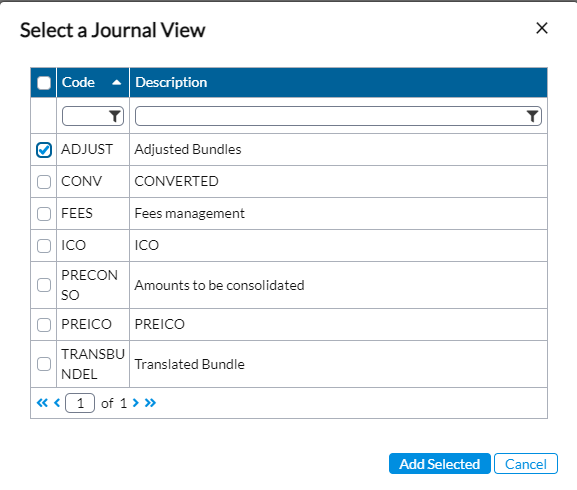
 . The Select a Journal View pop-up with the list of journal view codes and descriptions appears.
 You can always filter the list by using the wildcards on the code and description fields.

-
Select the journal view that has the code you want to change.
-
Click
 . The selected journal view code and its details are displayed on a row on the Change Journal Codes page.
 Note: If you need to delete any journal view code from the list, select the journal view code and click
 .
. -
In the New Code field, select the existing code and type in a new code to replace it.
-
Click
 .
.