Change flow codes
The Change Flow Codes page enables you to change flow codes.
To access the Change Flow Codes page, click  Configuration > System Structures > Flows > Change Flow Codes.
Change a flow code
-
Click
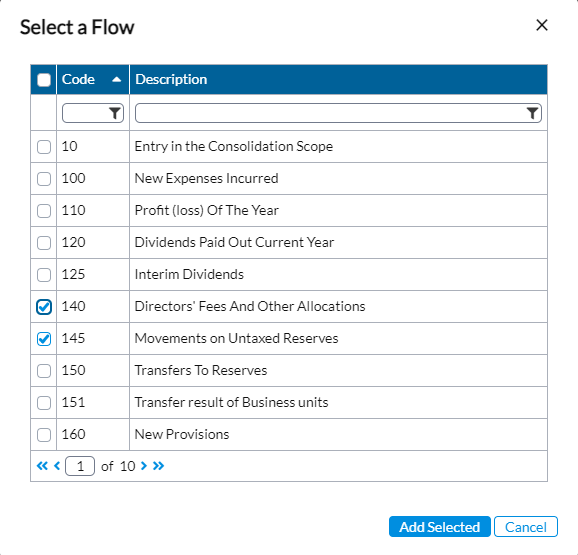
 . A Select a Flow pop-up is displayed with the list of flow codes and descriptions.
 By default the list contains all the flow codes but you can always filter the list by using the wildcards on the code and description fields.
-
Select the flow that has the code you want to change.
-
Click
 . The selected flow and its details are displayed on a row on the Change Flow Codes page.
 Note: If you need to delete any flow code from the list, select the flow code and click
 .
. -
In the New Code field, select the existing code and type in a new code to replace it.
-
Click
 .
.