Additional company data
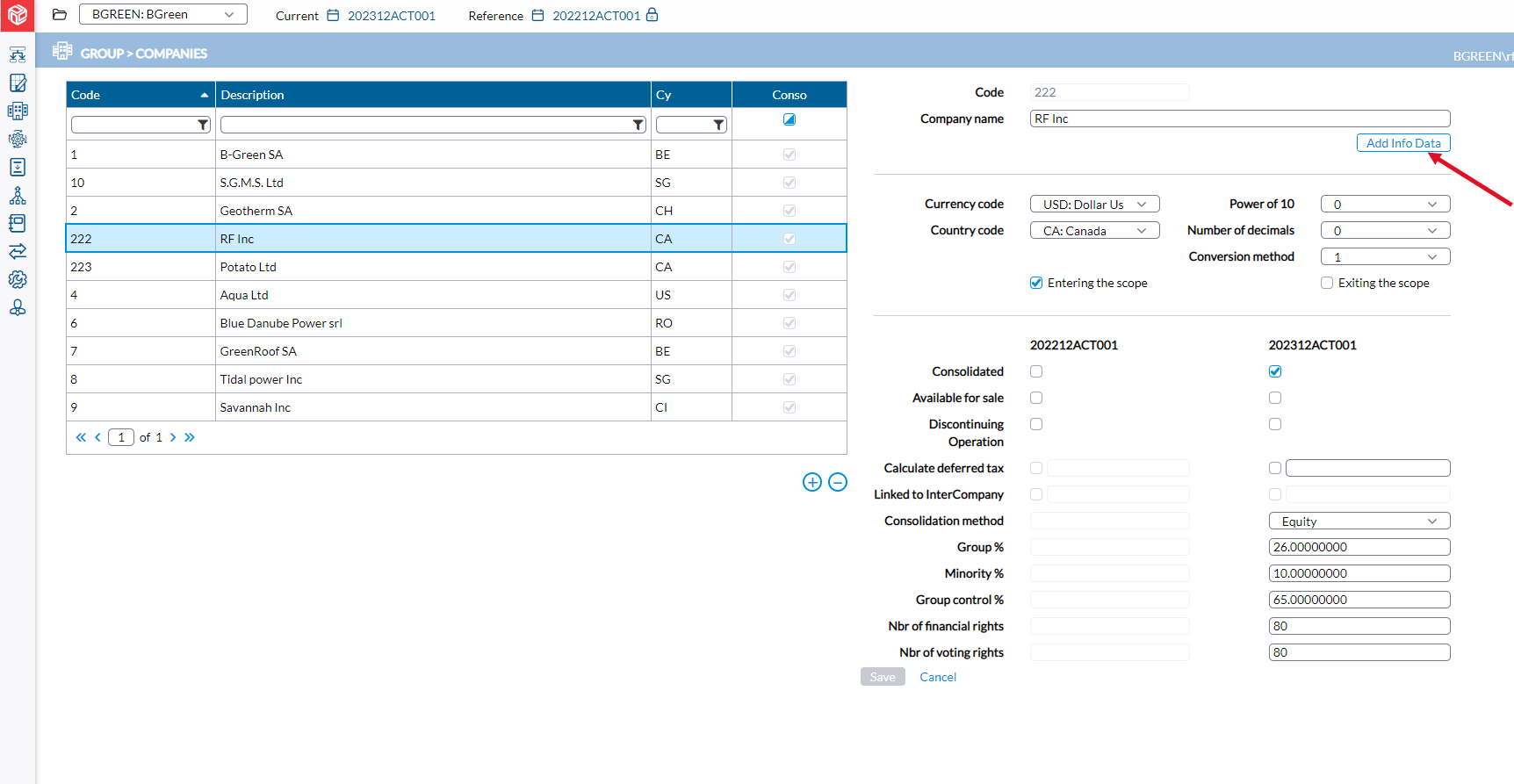
The Companies Additional Information page enables users to add supplementary details for companies. Administrators can create various fields, and users can then input corresponding values for the companies they are associated with. For instance, if an administrator establishes a field to collect the VAT number for each subsidiary, users can input the respective VAT numbers for their company.
In  .Group > Companies, click
 to open the Additional Information page.
To see more of your data, select the expand icon in the top right corner of the window. To go back to the default size, select the collapse icon in the same corner.
Add an additional parameter
The maximum number of lines allowed is 15 (fifteen). This limit is to ensure that the additional information provided on this page is compatible with the export and import functionality.
-
In the Line number field, indicate the line number where you wish to position the new parameter. This is useful for organizing the order of parameters.
-
In the Label field, enter a distinctive identifier for the parameter (e.g., VAT).
-
In the Text field, provide a description of the parameter (e.g., Value Added Tax).
-
Click
 to store the parameter you just added.